Define the Data Categories
Define which categories of personal data are processed, specify storage duration and location, and understand how these choices affect the privacy risk assessment.
Select all data categories which are processed by each service provider.
If you have selected all data categories, click “edit” in order to specify how long the data is retained for (storage duration) and where the data is processed (storage location).
Storage duration
If the service provider has specified a maximum timeframe, after which any personal data is erased or fully anonymised, indicate this time frame (e.g. 6 months).
If the data is retained as long as necessary for achieving a given purpose (e.g. as long as a contract with the website visitor is active, select “until the purpose is fulfilled”.
If the storage duration is determined by law (e.g. tax‑relevant accounting records and invoices), select “legal storage period” and indicate the specific legislation.
Storage location
Select the countries to which personal data is transmitted. If the country is part of the European Union (EU) or European Economic Area (EEA), it is sufficient to select “EU/EEA”.
If a country lies outside the EU or EEA, you must indicate the legal basis on which this so‑called “third‑country transfer” takes place.
For many industrialised countries, the EU Commission has issued an “adequacy decision” (see list), warranting that the receiving country has a data protection level comparable to this in the EU.
Apply to all data categories
As all data is usually processed in a similar way, tick the box “Apply to all data categories”.
If a particular data category has a different storage duration or storage location, you can adjust that category individually afterwards.
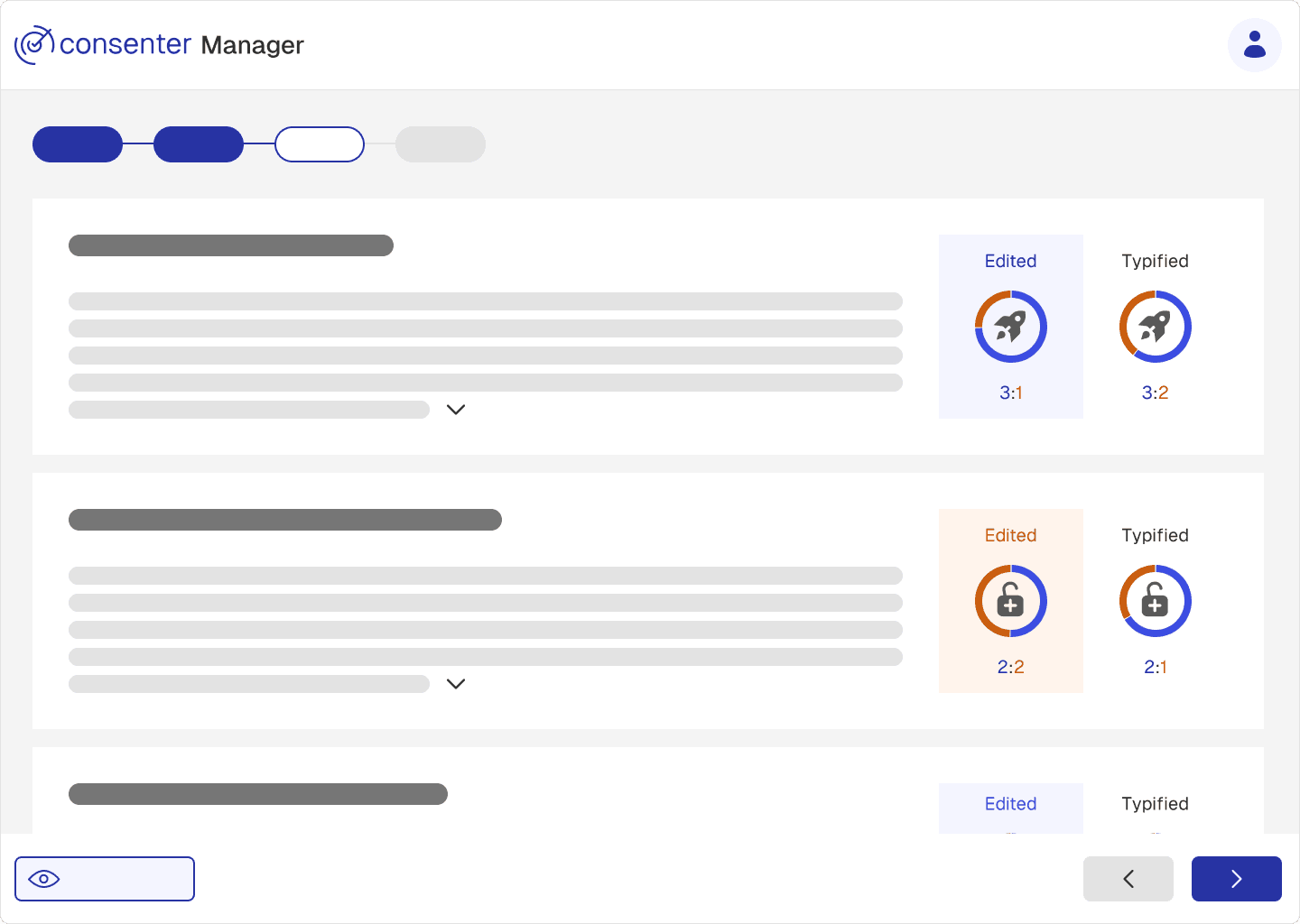
Risk Overview Page
On this page, you are presented with a summary of the risks and benefits associated with each configured purpose. Your setup is compared both to the risk level of an average website and—if applicable—to the risks of your previous configuration.
If you are modifying an existing cookie banner, this page also functions as a control center for the trigger system. This system allows you to notify returning visitors about increases in risk or to request consent again from users who previously refused, if you have reduced the data protection risks for them (see section Changes in the Risk–Benefit Ratio).
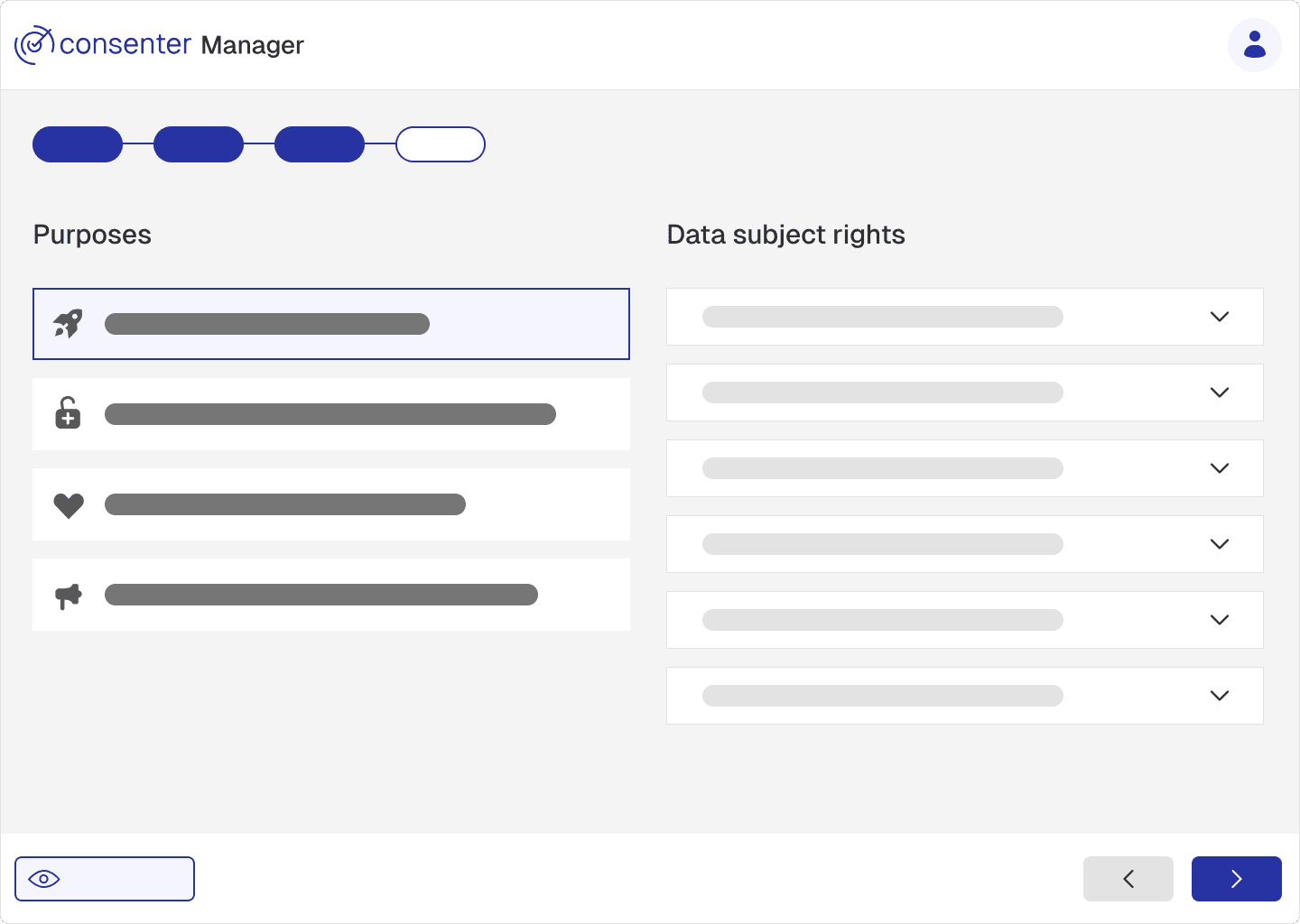
This page provides an overview of the data subject rights you are required to grant, along with the steps needed to ensure full legal compliance. It is intended for informational purposes only.
By clicking “Publish,” you apply all changes to the banner that is currently live and implemented.
If the banner code has not yet been integrated into your website, the banner will only be deployed once the technical implementation has been completed.
Before publishing, you can preview the banner to ensure that all purposes and required information have been included.
Last updated on
Choose Your Tools
Identify the third-party tools used on your website and configure them in the Consenter Manager to ensure accurate risk assessments and transparent communication with users.
Risk Overview Page
Analyse the risks and benefits of your configuration, compare changes over time, and manage risk-related user notifications.